Open hours
During opening hours, the incoming call follows the open branch to ring the team.
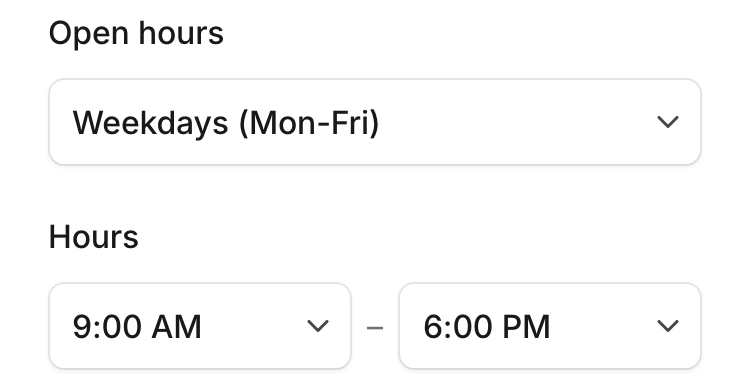
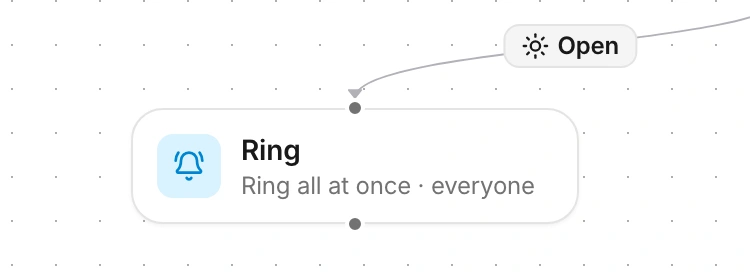
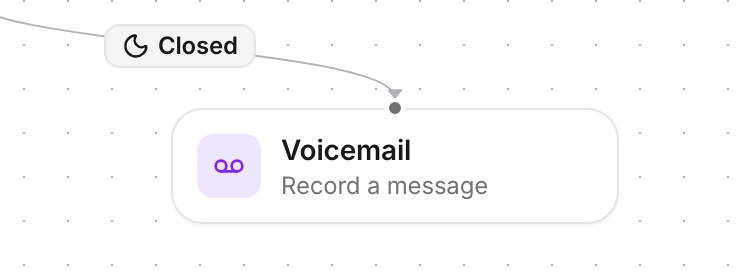
Choose the path an incoming call follows, during opening hours and when the team is closed.
One business number is included. Activation requires approved business verification.

The editor connects an incoming call to the opening-hours check, then to team ringing or voicemail.
During opening hours, the incoming call follows the open branch to ring the team.
After closing, the call follows the closed branch to voicemail.
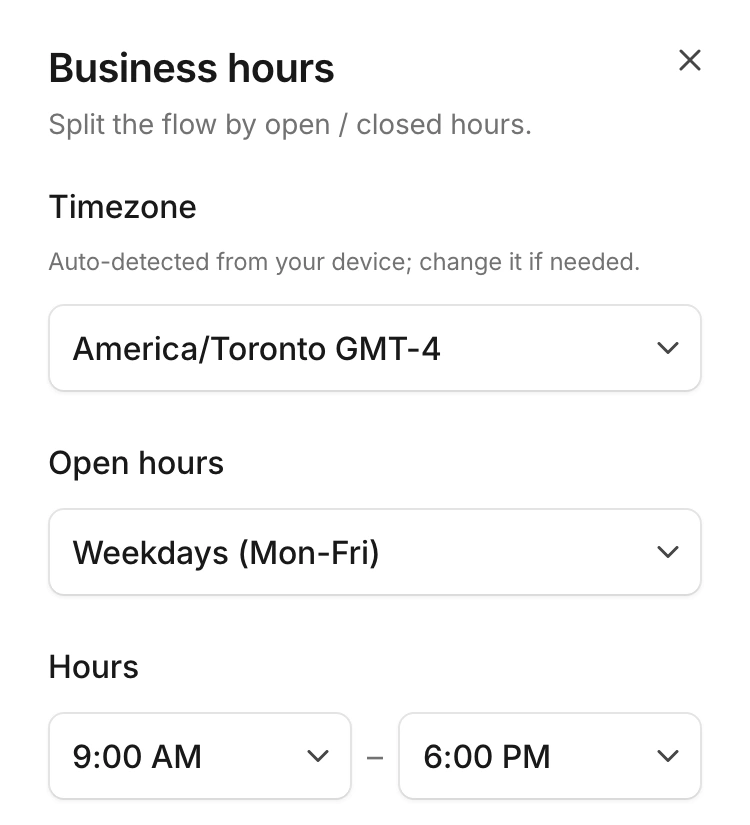
The business-hours configuration shows the timezone and weekly opening windows.
The ringing step shows the ringing mode and how long the team’s phones ring.
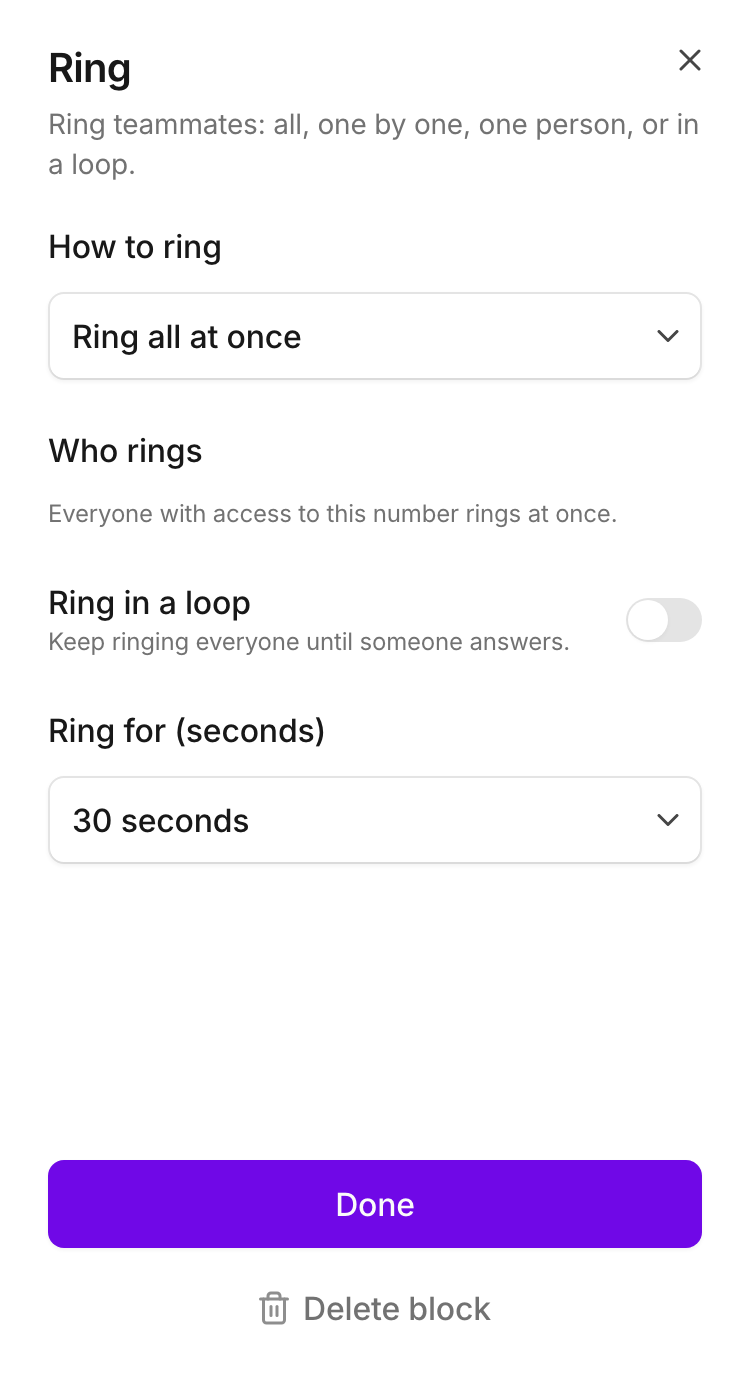
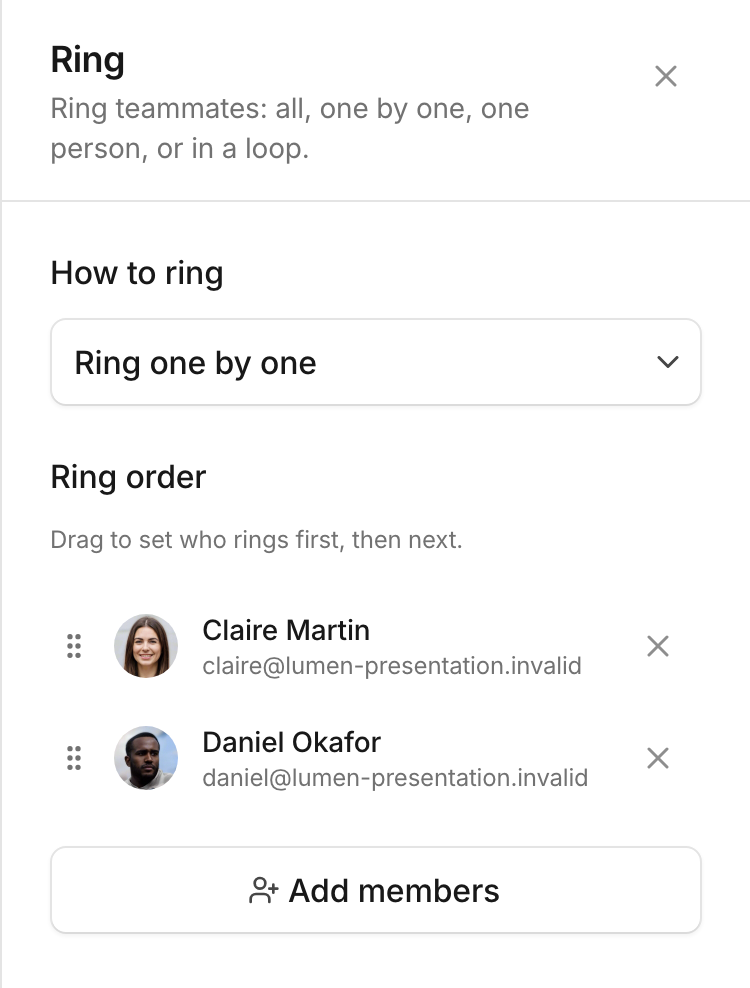
Set the order in which colleagues ring, with Claire first and Daniel next.
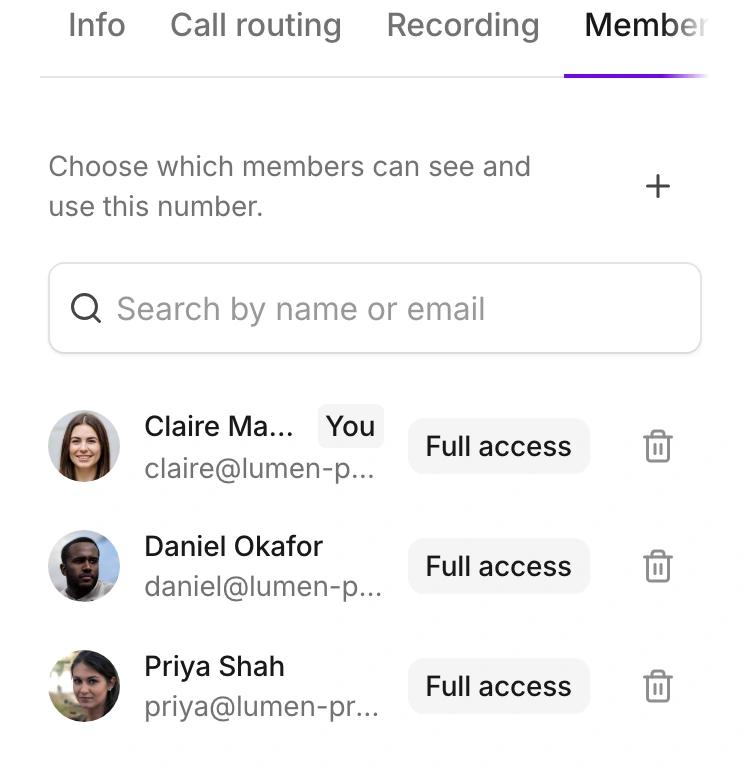
The number’s access list distinguishes who can see it and who can use it.
Follow the line’s call path from the opening-hours check to the team or voicemail. The weekly schedule and timezone show when each path applies.