Team discussion
A question and the colleague's answer, clearly marked as notes.
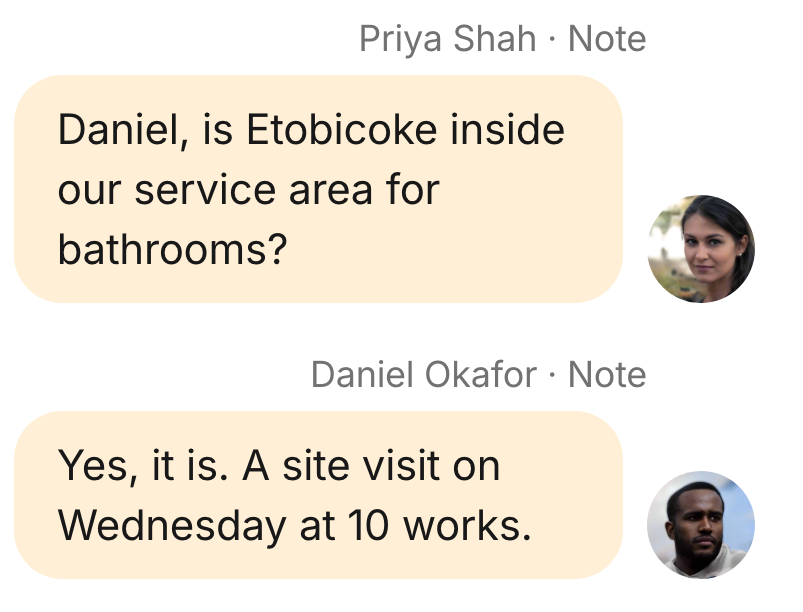
Discuss a customer request in an internal note, next to the conversation it belongs to.
Choose Starter, Team or Business for your workspace.
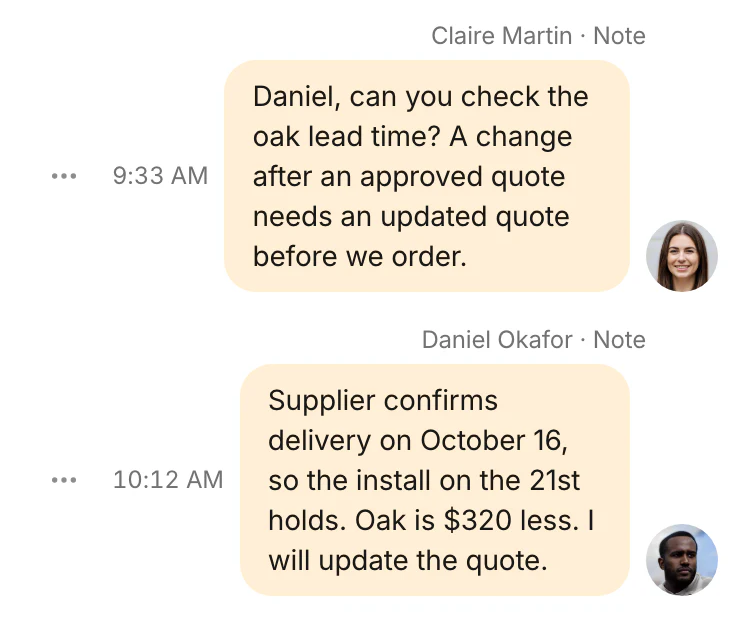
Internal notes appear in the conversation and the Notes panel, beside the customer request the team is discussing.
A question and the colleague's answer, clearly marked as notes.
The notes sit with the customer exchange, without becoming customer messages.
A colleague asks for a detail before replying. The answer stays in the conversation, so the team can use it in the customer exchange.