Kanban board
Move through status columns to see the work and the teammate responsible for each task.
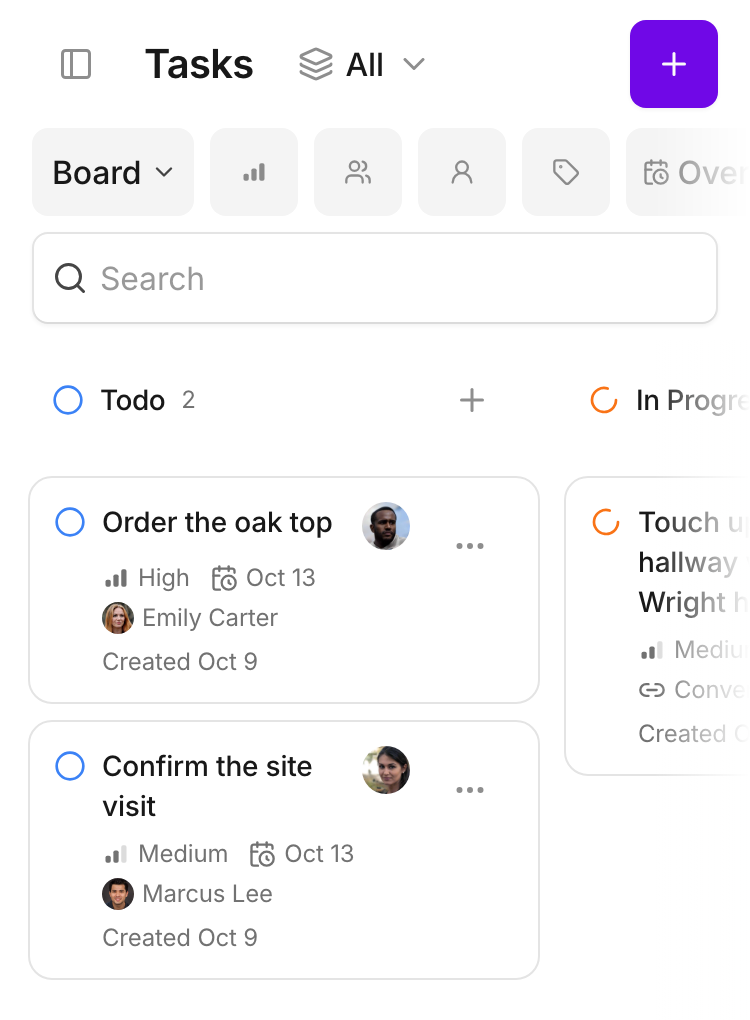
A task keeps the customer, responsible colleague and due date together, so the follow-up is easy to find.
Choose Starter, Team or Business for your workspace.

Move through status columns to see the work and the teammate responsible for each task.
Move through status columns to see the work and the teammate responsible for each task.
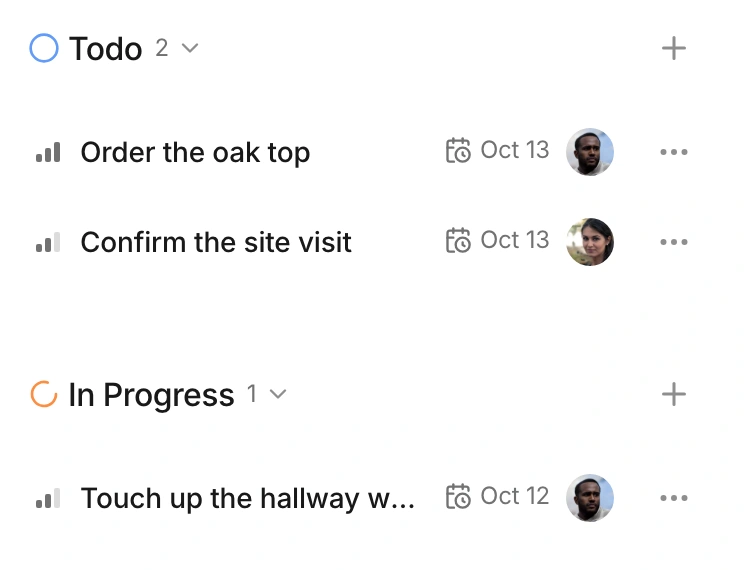
The list keeps task status, due date and owner in the same row.
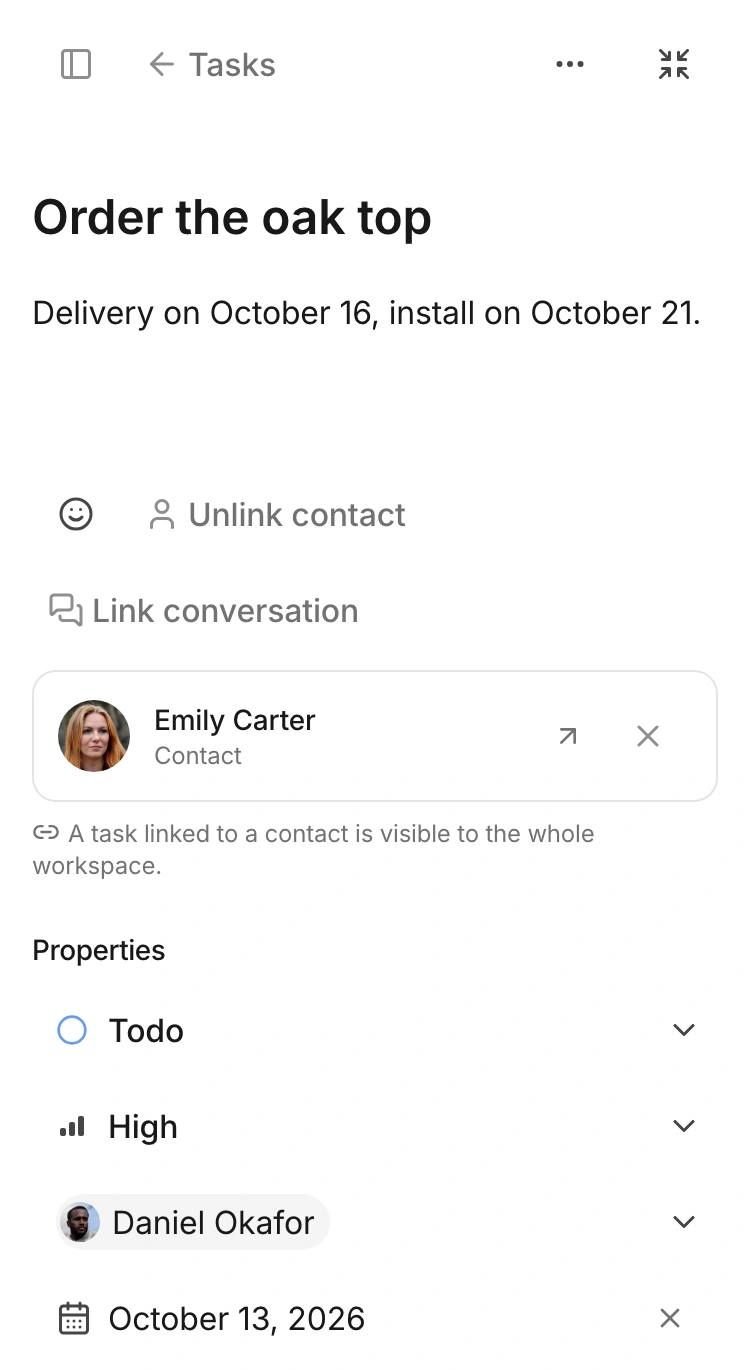
The contact, status, priority, owner and date are visible together.
Free resource: a customer request tracker for Excel, with owners and due dates
The task links back to the contact. Its status, priority, owner and due date describe the work without losing the customer it concerns.