Customer request
The customer’s request and the team’s first answer stay together.
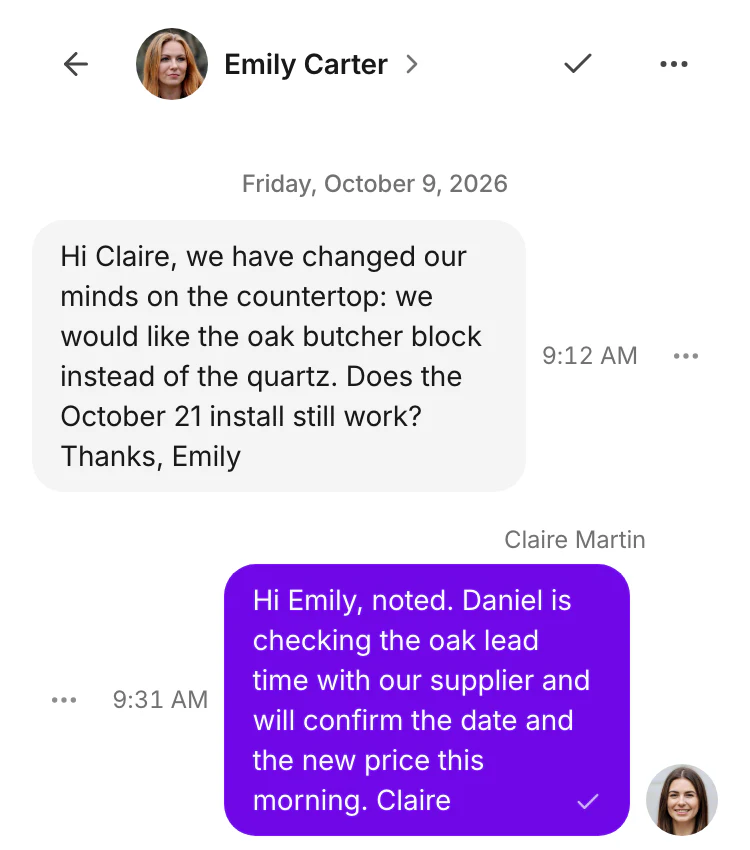
A shared inbox where your team sees what the customer said and what colleagues already answered, in the same conversation.
Choose Starter, Team or Business for your workspace.

Calls, web chat and email appear in the same customer list.
The customer’s request and the team’s first answer stay together.
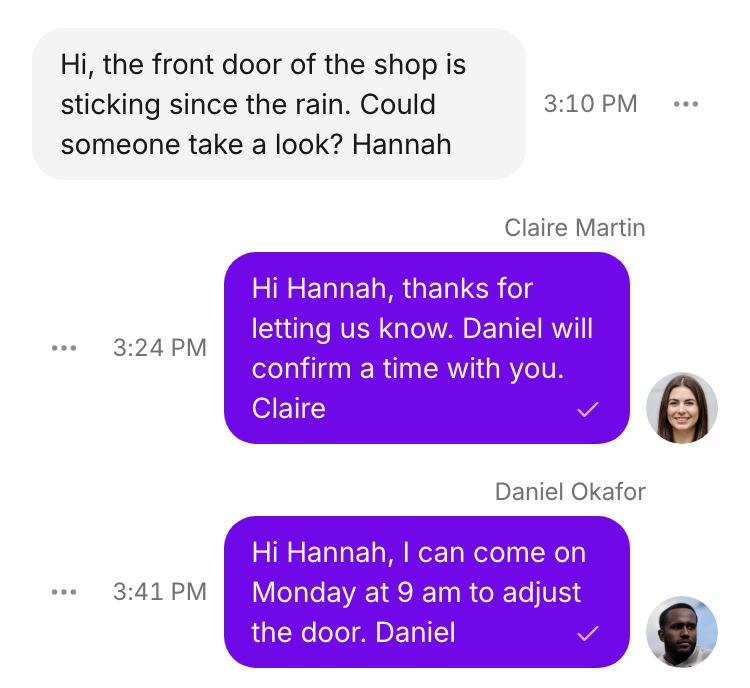
Claire and Daniel reply to the same customer, with their names visible.
Free resource: a team procedure and checklist for a shared inbox
A customer should not have to repeat the story every time someone else replies. The conversation keeps the request, replies and customer details together.
A shared inbox helps a small team that answers customers together, at reception, in sales or in service, when every request ends with a named owner and a clear next step. Here is the routine, and the part of Bonmoniq behind each step.
The customer’s message, the team’s replies and the customer details stay together, so nobody asks the customer to repeat the story.
See EmailA queue has its members and routing rules. The first matching rule decides where the conversation goes, and a default queue receives the rest.
See QueuesDecide who handles the request before anyone replies. One name, not the whole team, so nobody waits for someone else.
Internal notes keep the question and the answer next to the customer exchange, without sending them to the customer.
See Internal notesA task keeps the contact, owner, due date, status and priority together, so the visit, quote or callback is not forgotten.
See TasksA request is done when its follow-up is done, not when the first reply is sent.