Call history
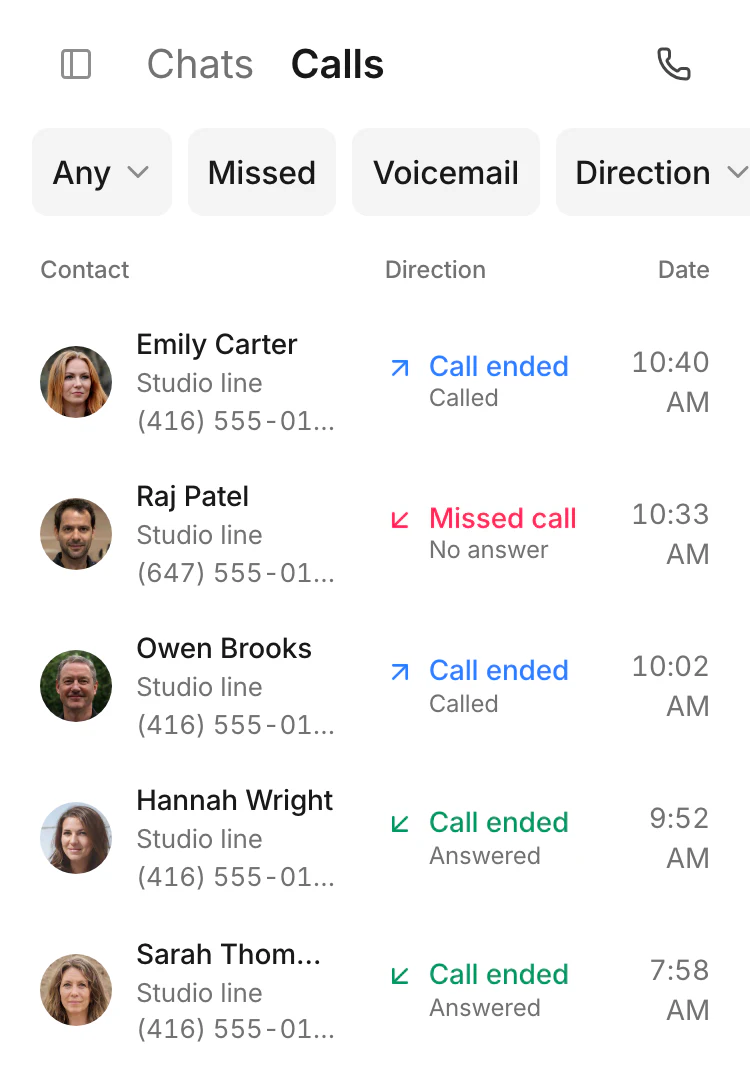
The call history shows the customer, direction and date.
Choose the business line and call the customer. Transfer the call or add a participant to a conference, with the customer conversation close by.
One business number is included. Activation requires approved business verification.

The call history shows the customer, direction and date.
The call history shows the customer, direction and date.
The customer’s name, elapsed time and mute, hold and transfer controls stay visible.

The line picker shows which business number the call will come from.

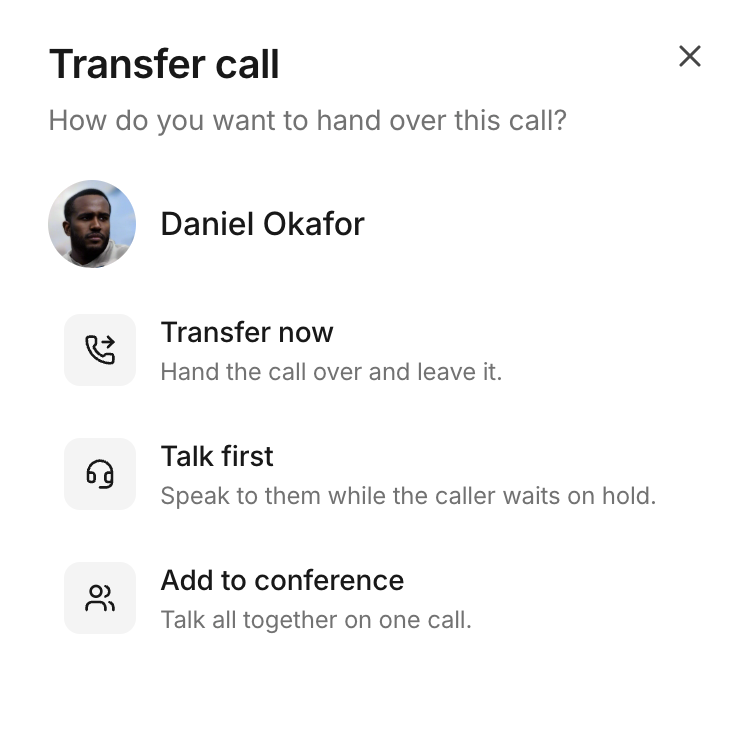
Transfer now, or talk to the colleague first while the caller waits on hold.
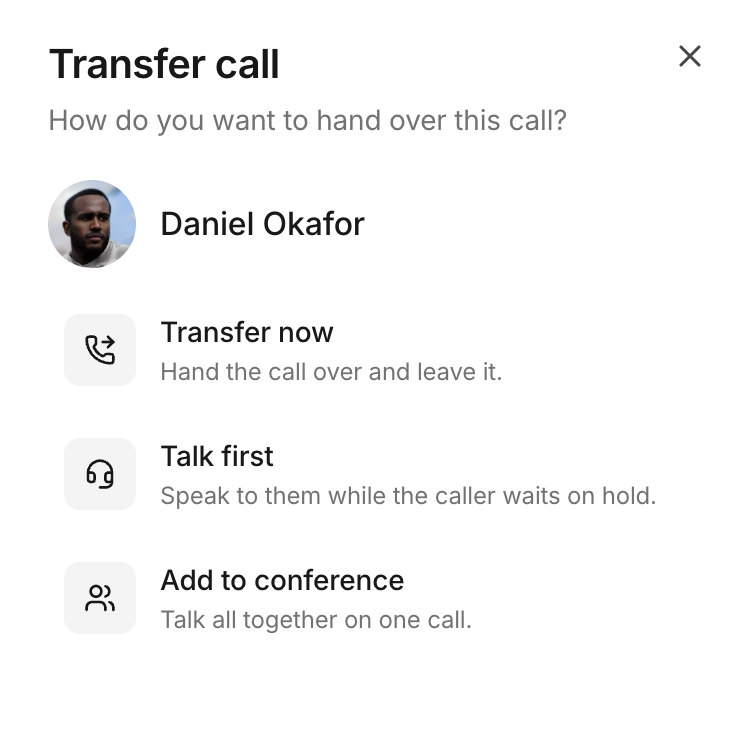
The transfer menu offers Add to conference to bring the selected colleague into the call.
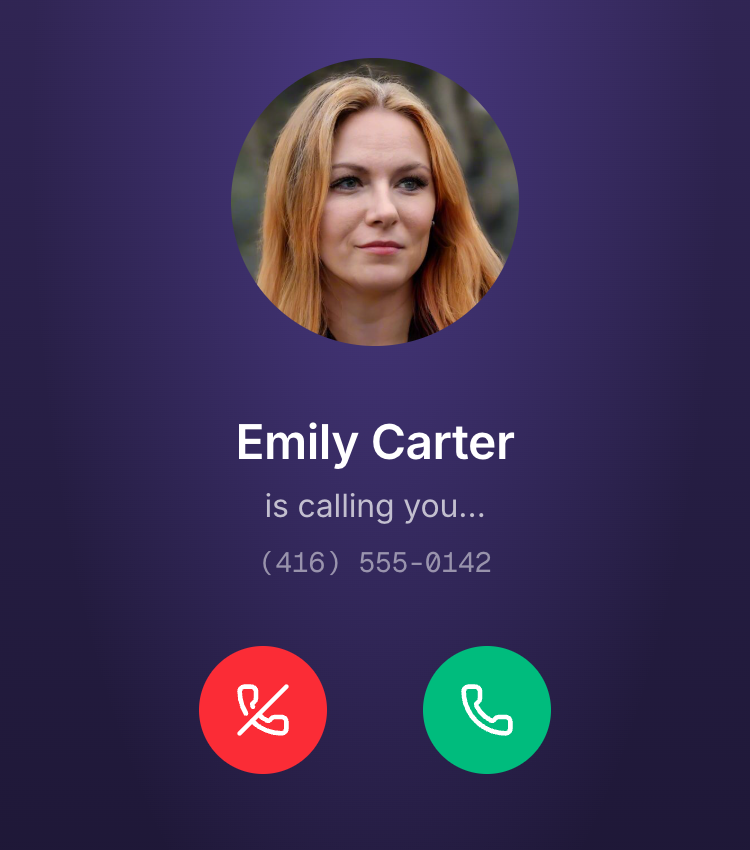
The incoming-call screen identifies the customer and offers answer or decline controls.
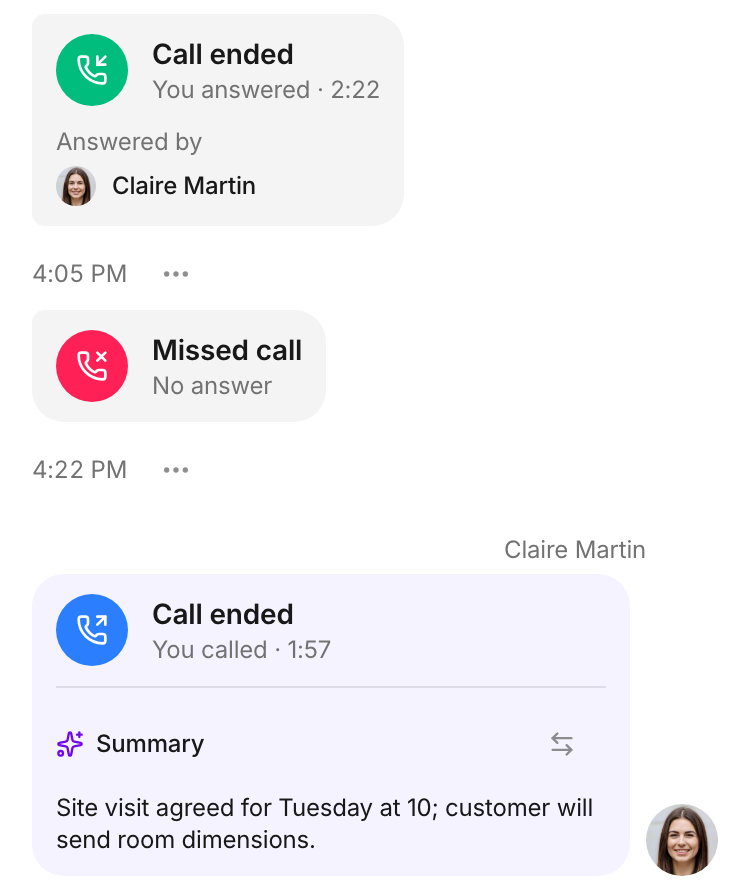
The conversation keeps answered, missed and outgoing calls together with a summary.
Free resource: create a business voicemail greeting and download it as WAV
Call controls let you transfer a call or add someone to a conference. A teammate with access to the line can answer an incoming call while it is ringing. History and summaries keep the follow-up close to the conversation.